The fun is in taking the picture, not fixing it later.
Free and stays free · No ads · No subscriptions
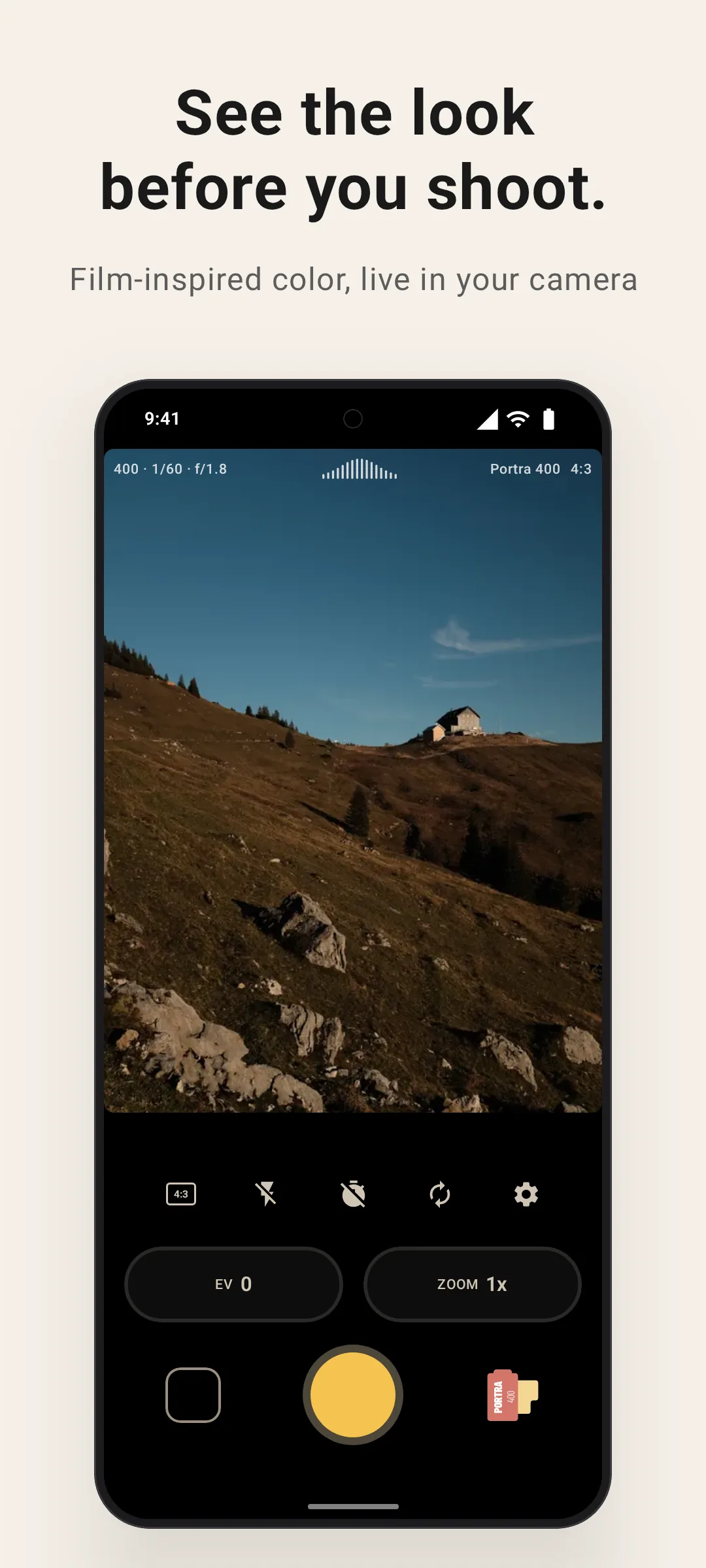
Shot with Lvma
Straight off my camera roll.
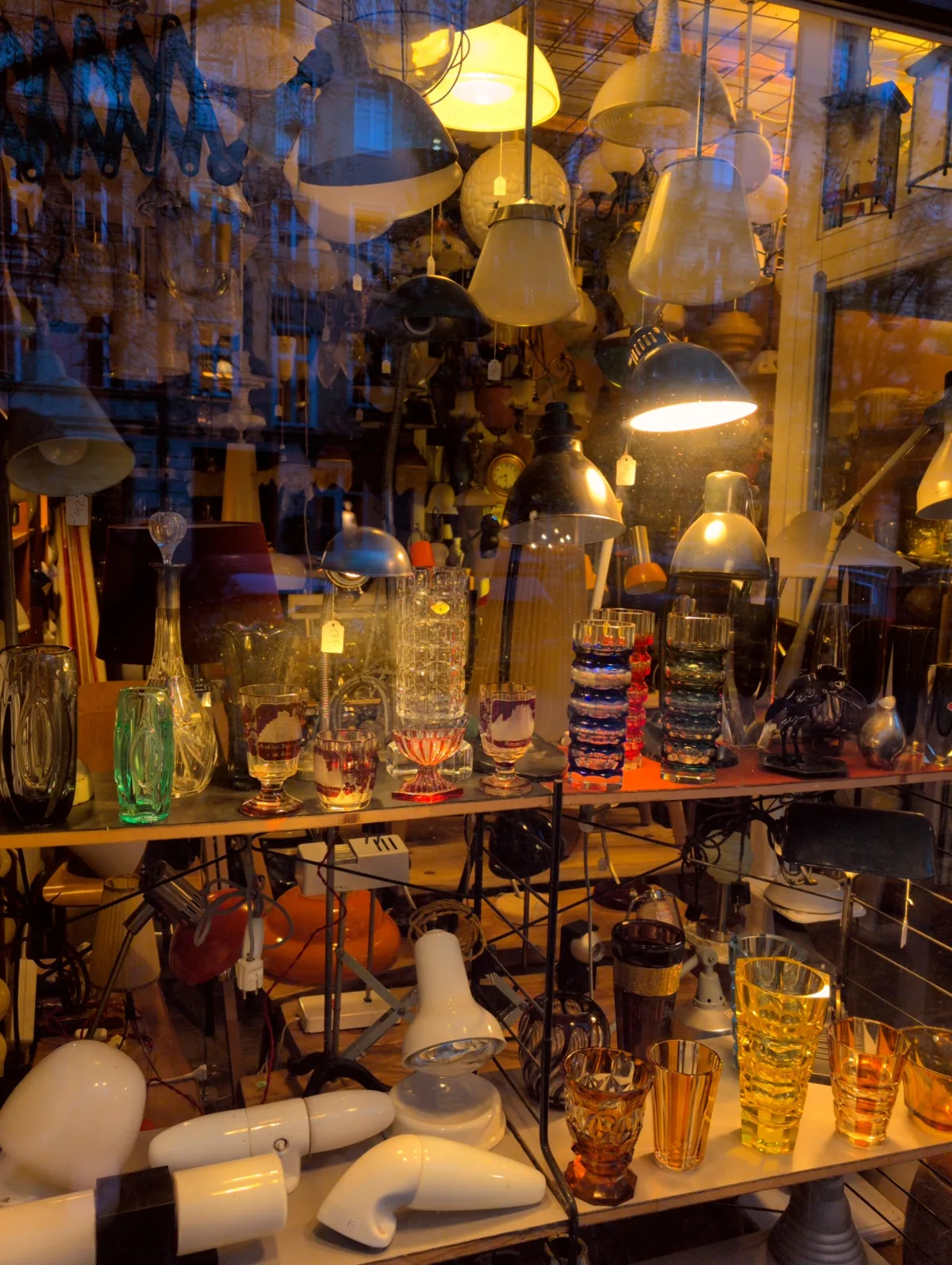
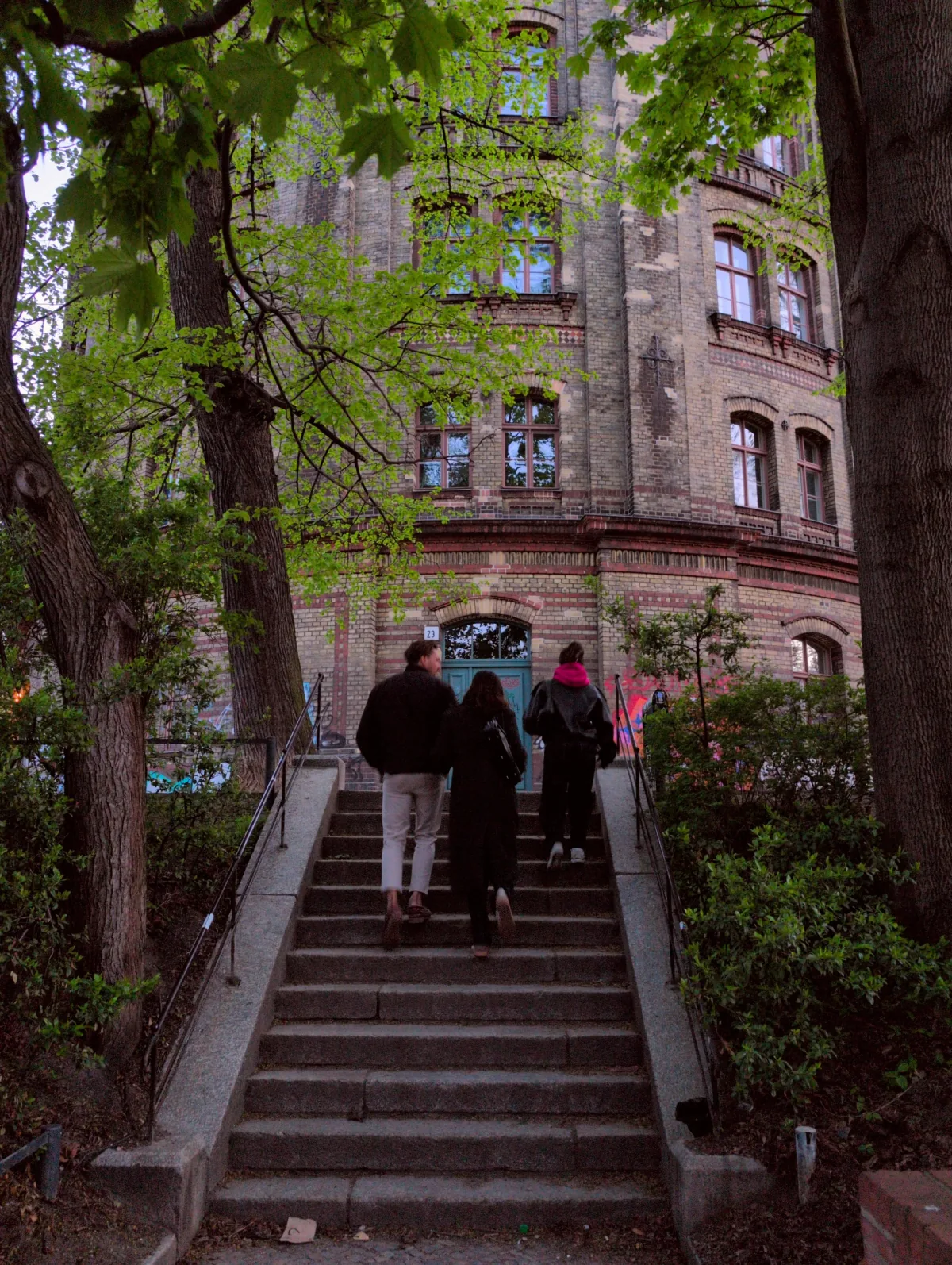
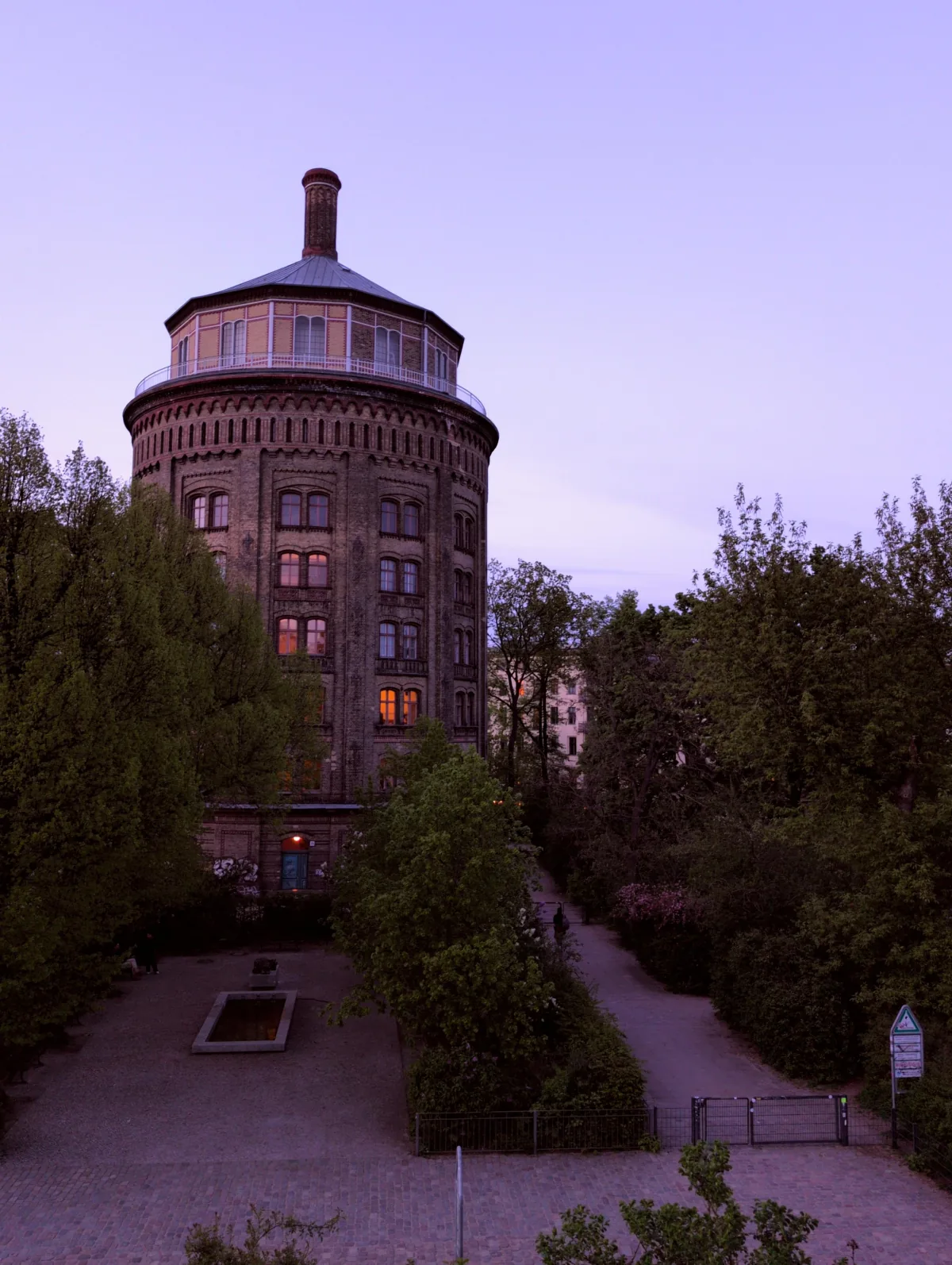
Golden Hour in Berlin.
An evening walk through Berlin with the built-in Golden Hour film look: warm highlights, muted shadows, and a bit of glow — all in-camera.
Swipe sideways or use the buttons to see the photos.
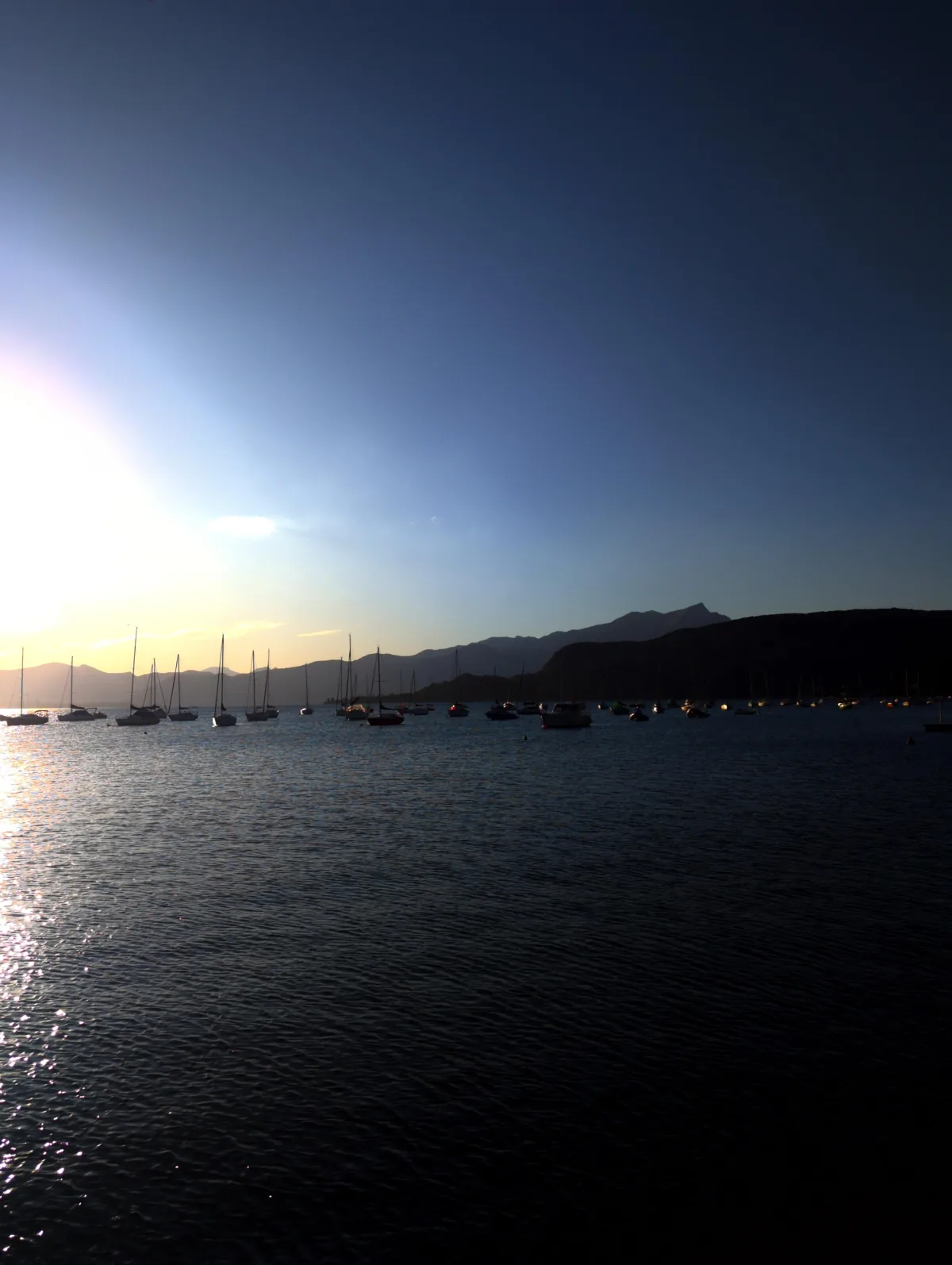
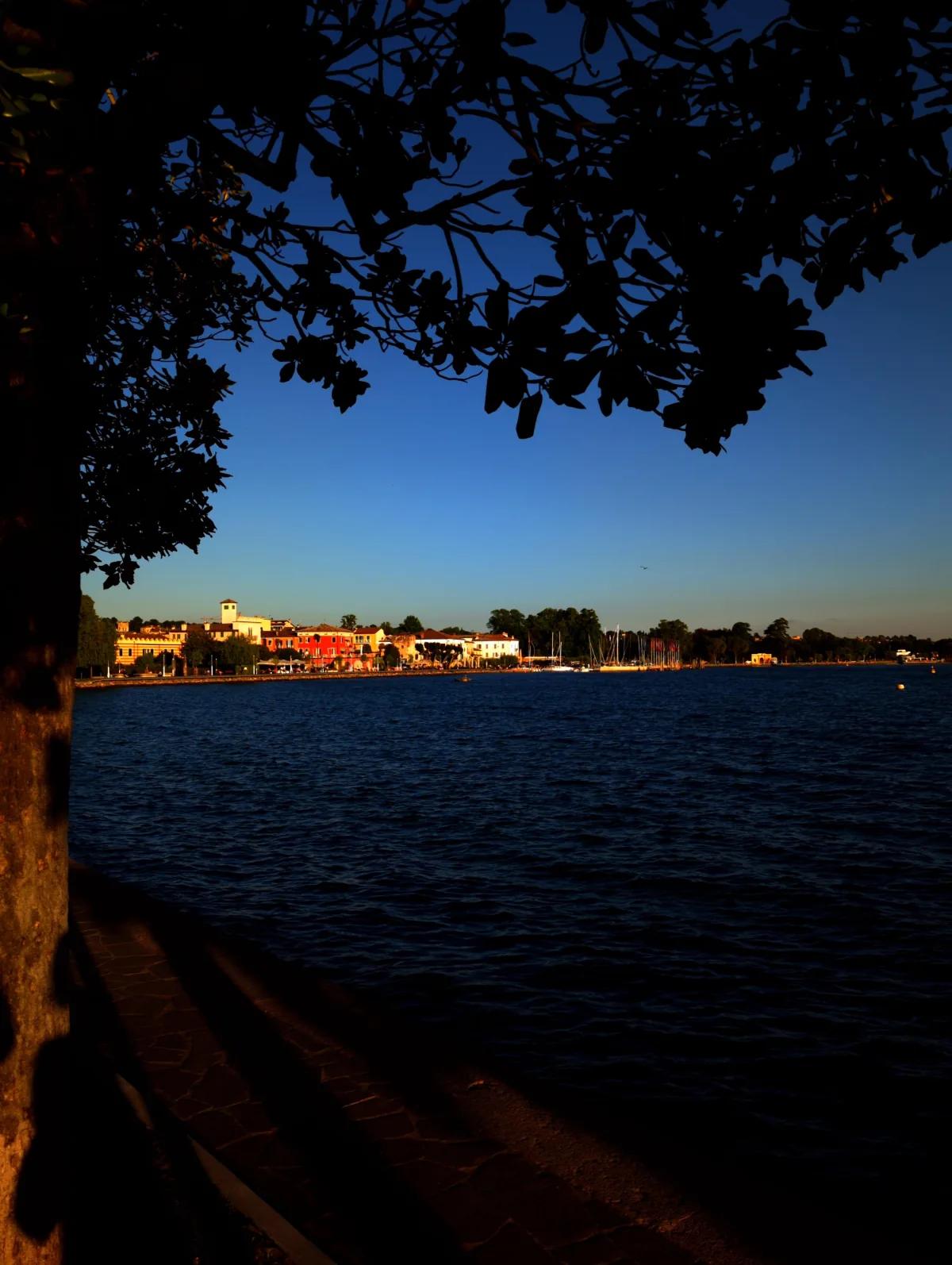
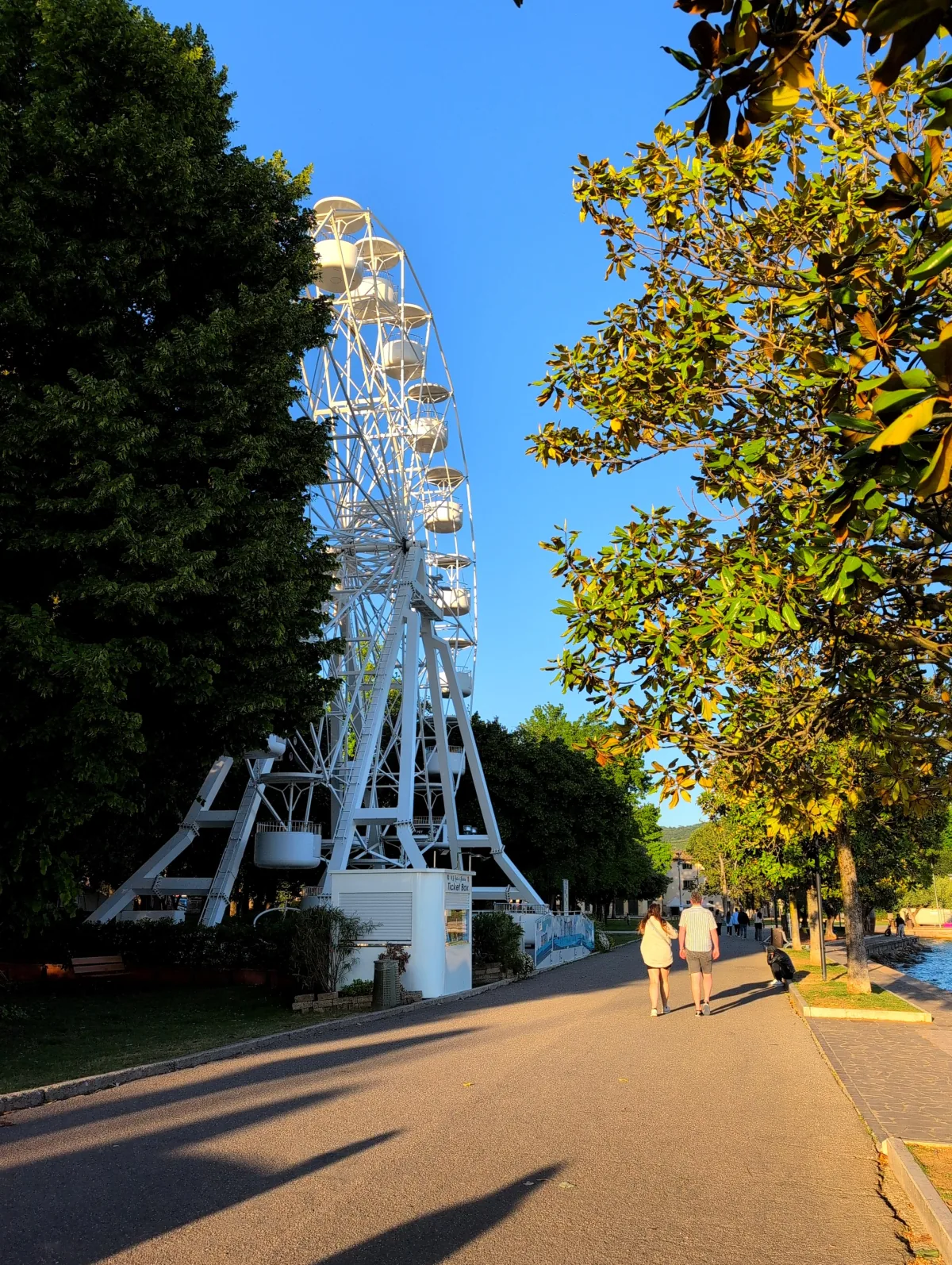
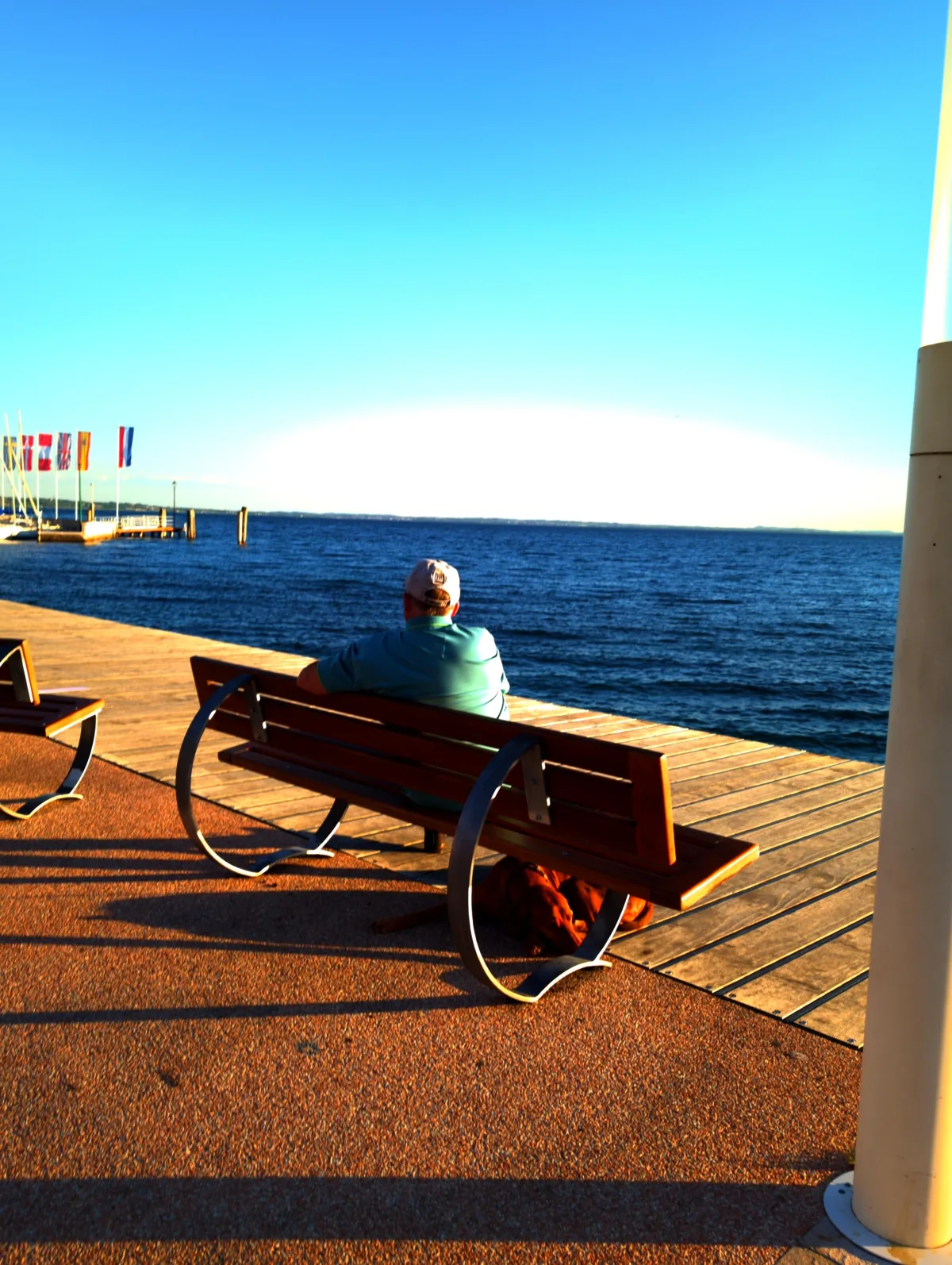
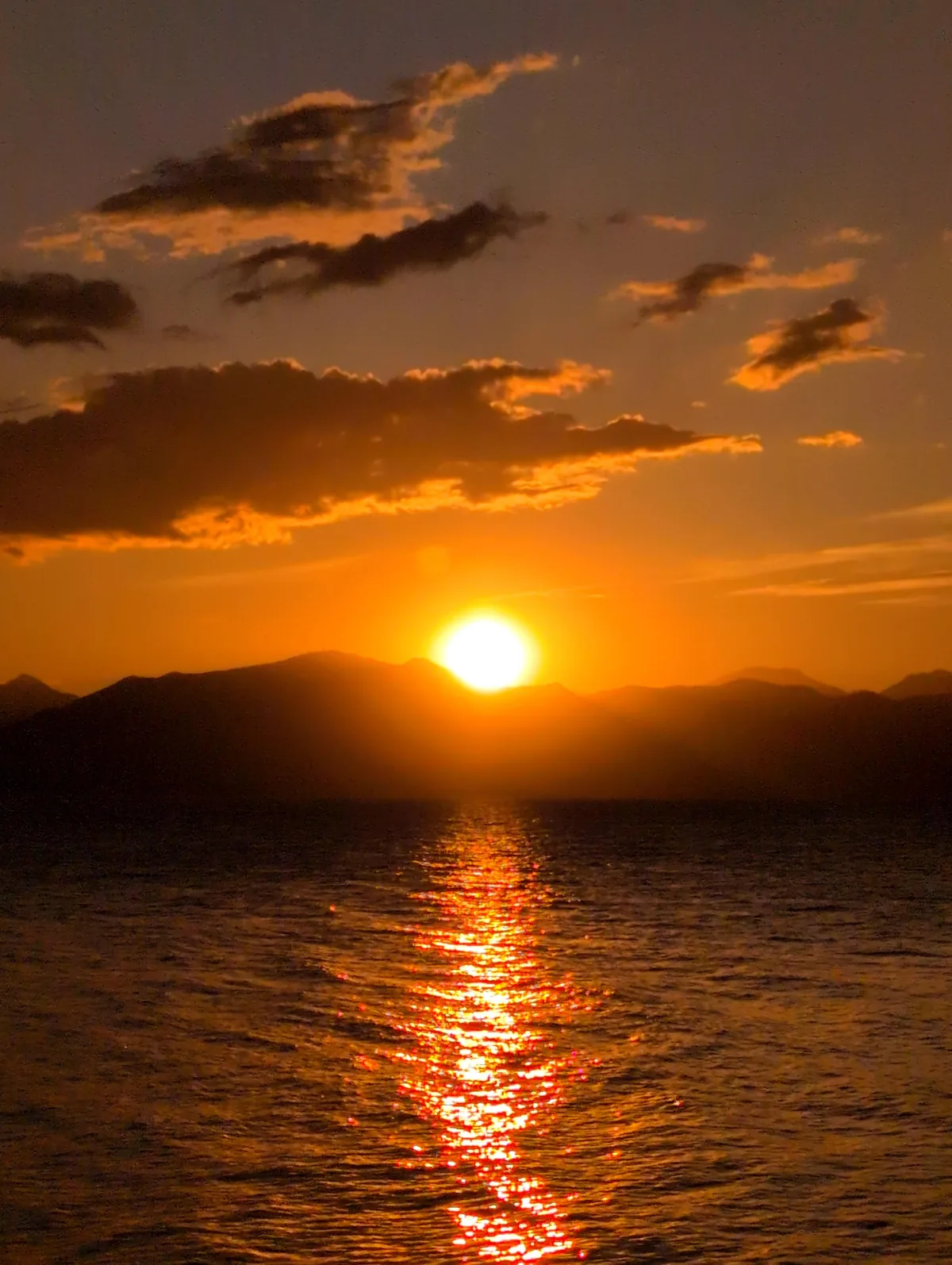
Vivid 100 at Lago di Garda.
Vacation light at Lago di Garda with the Vivid 100 film look: punchier color and a bright evening mood, straight out of the camera.
Swipe sideways or use the buttons to see all five photos.
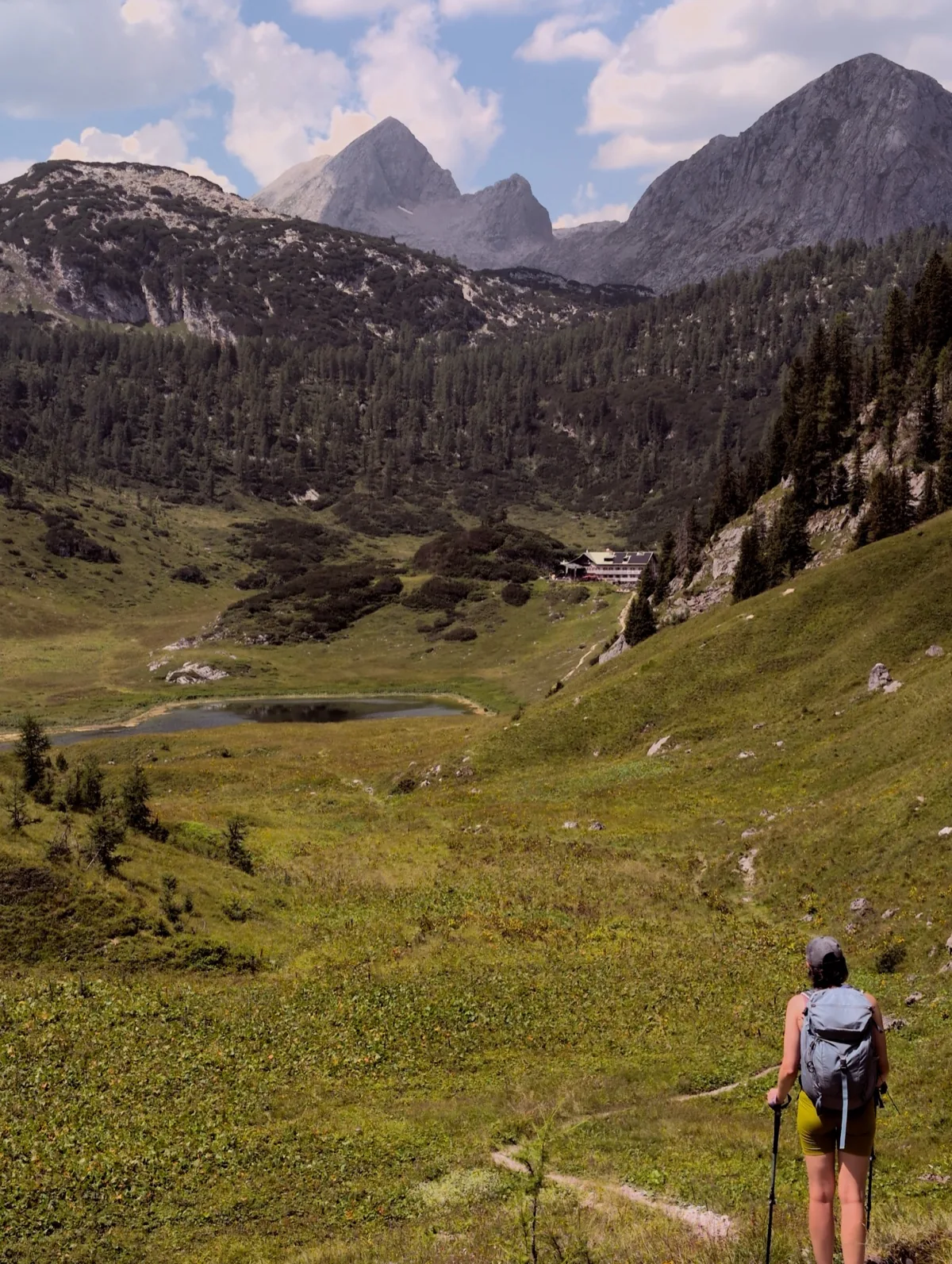
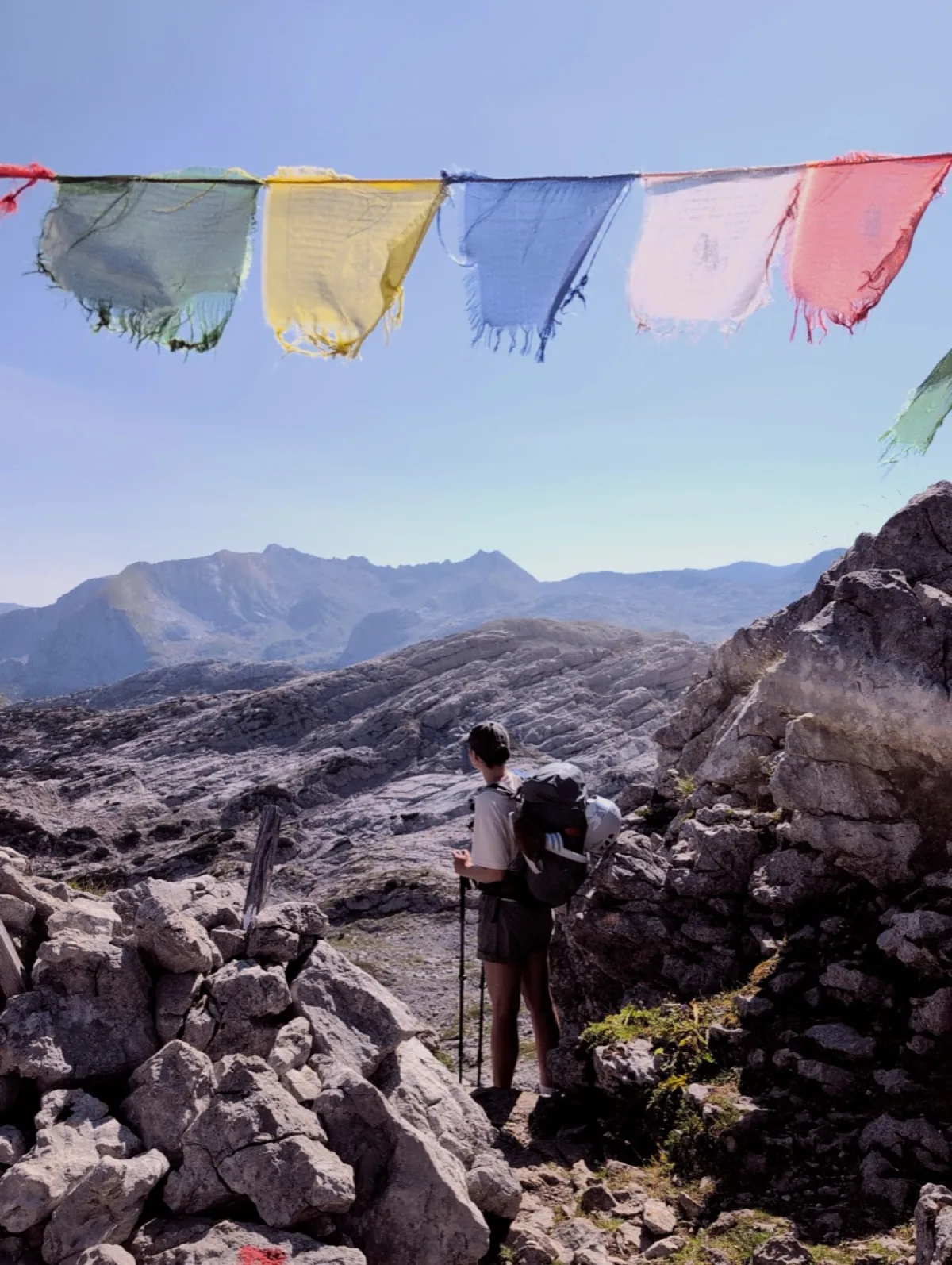
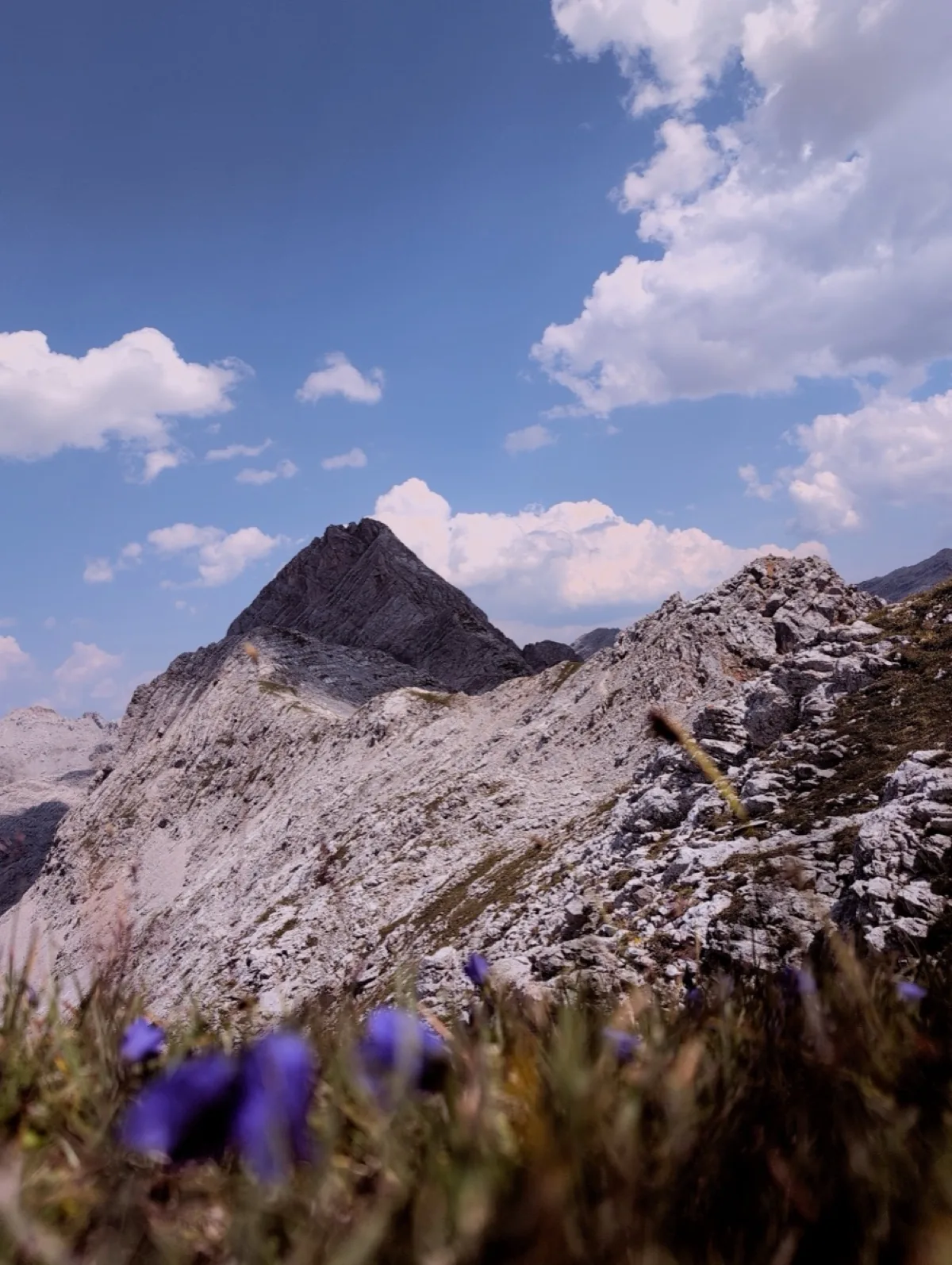
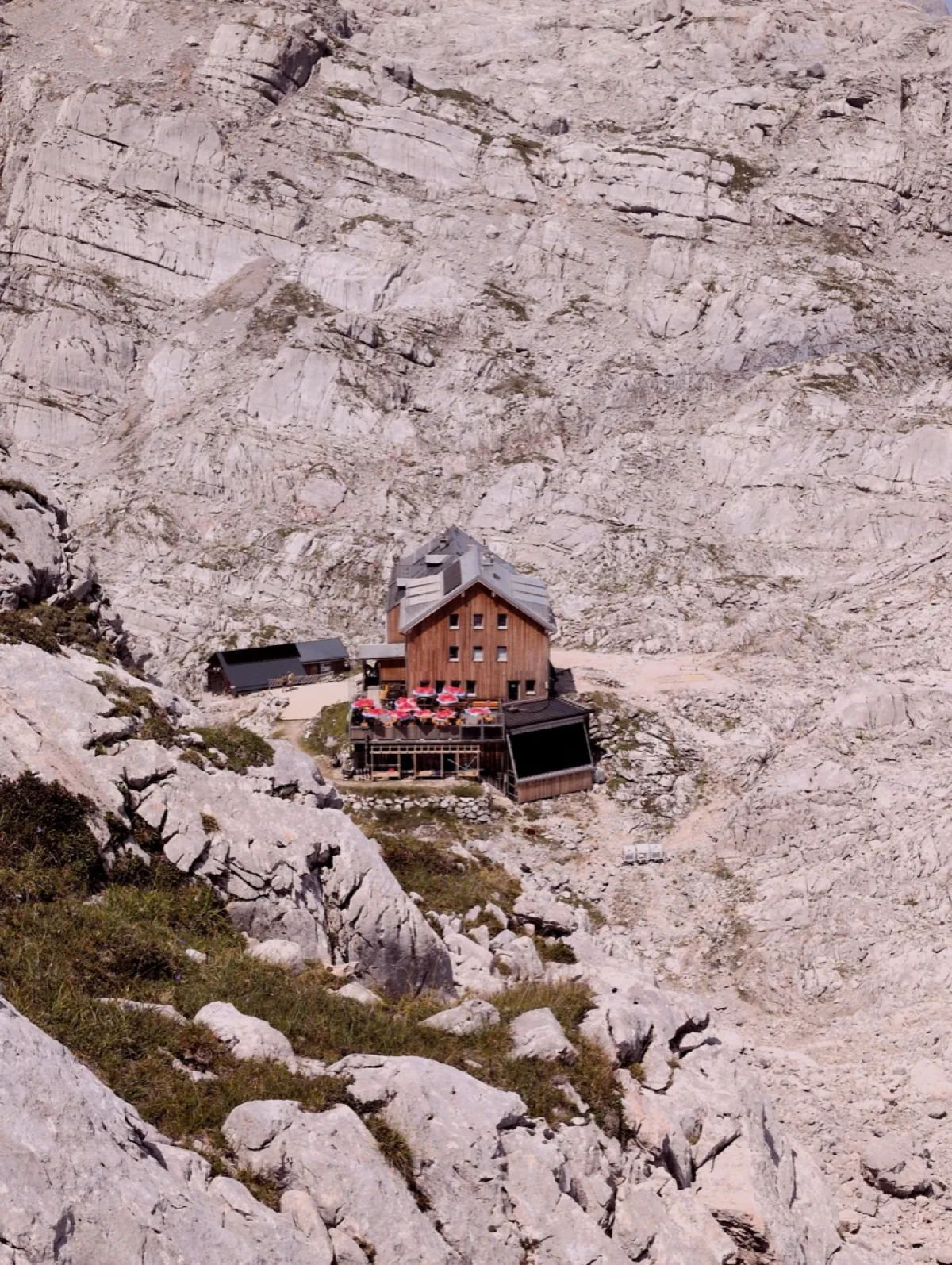
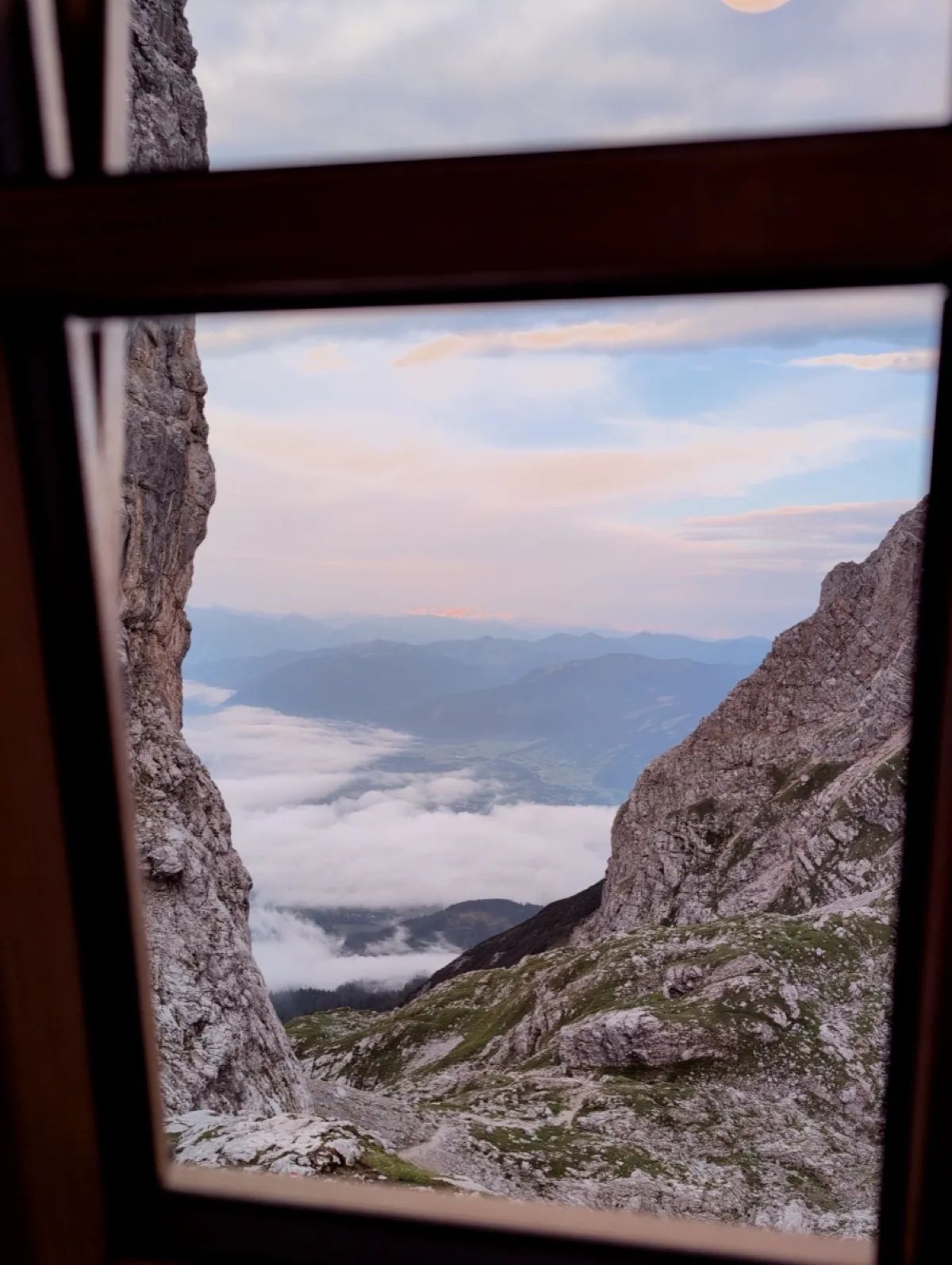
Steine at Steinernes Meer.
A few days among limestone, mountain huts, and beautiful views with the Steine film look.
Swipe sideways or use the buttons to see all five photos.
How Lvma works
More than a film look.
Lvma offers many features to make it your own.
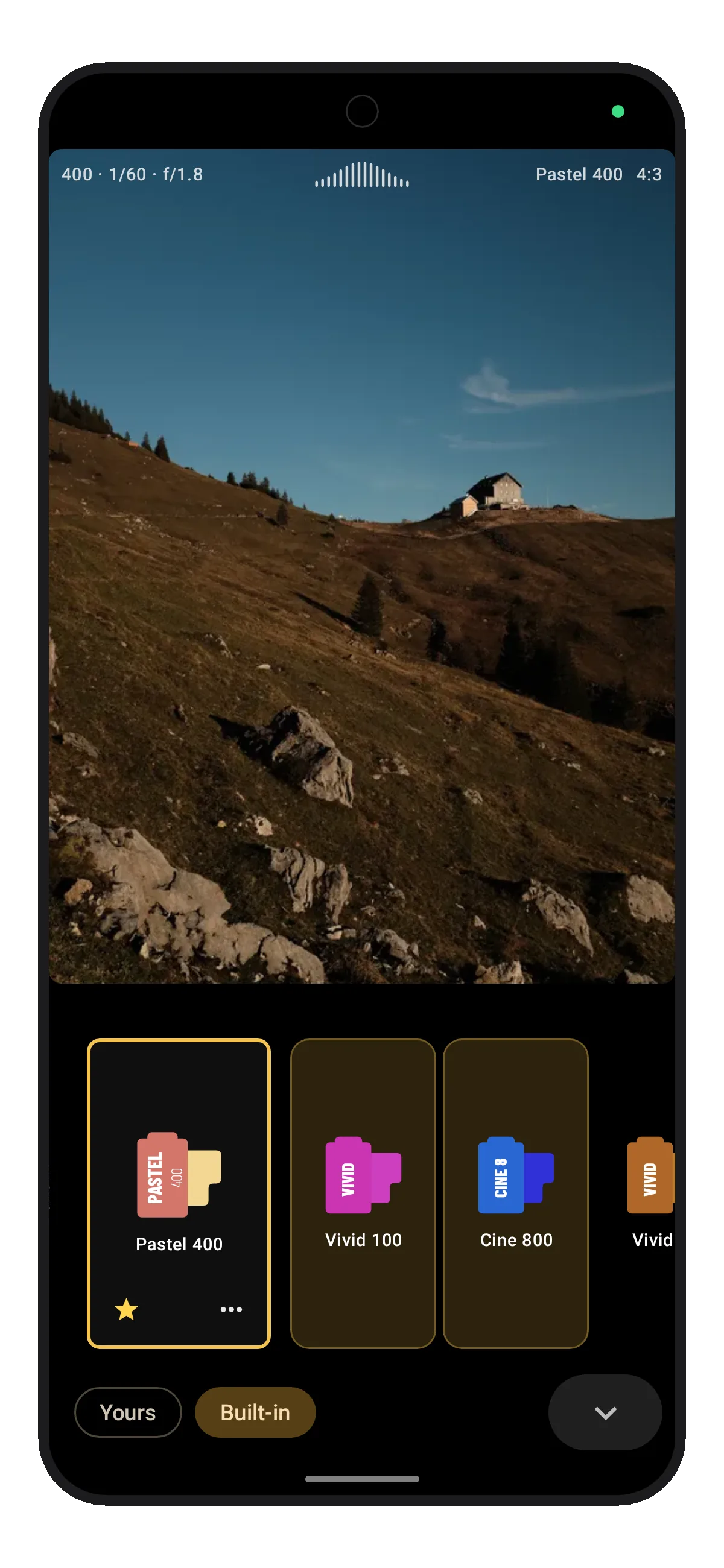
Start with a film look or create your own
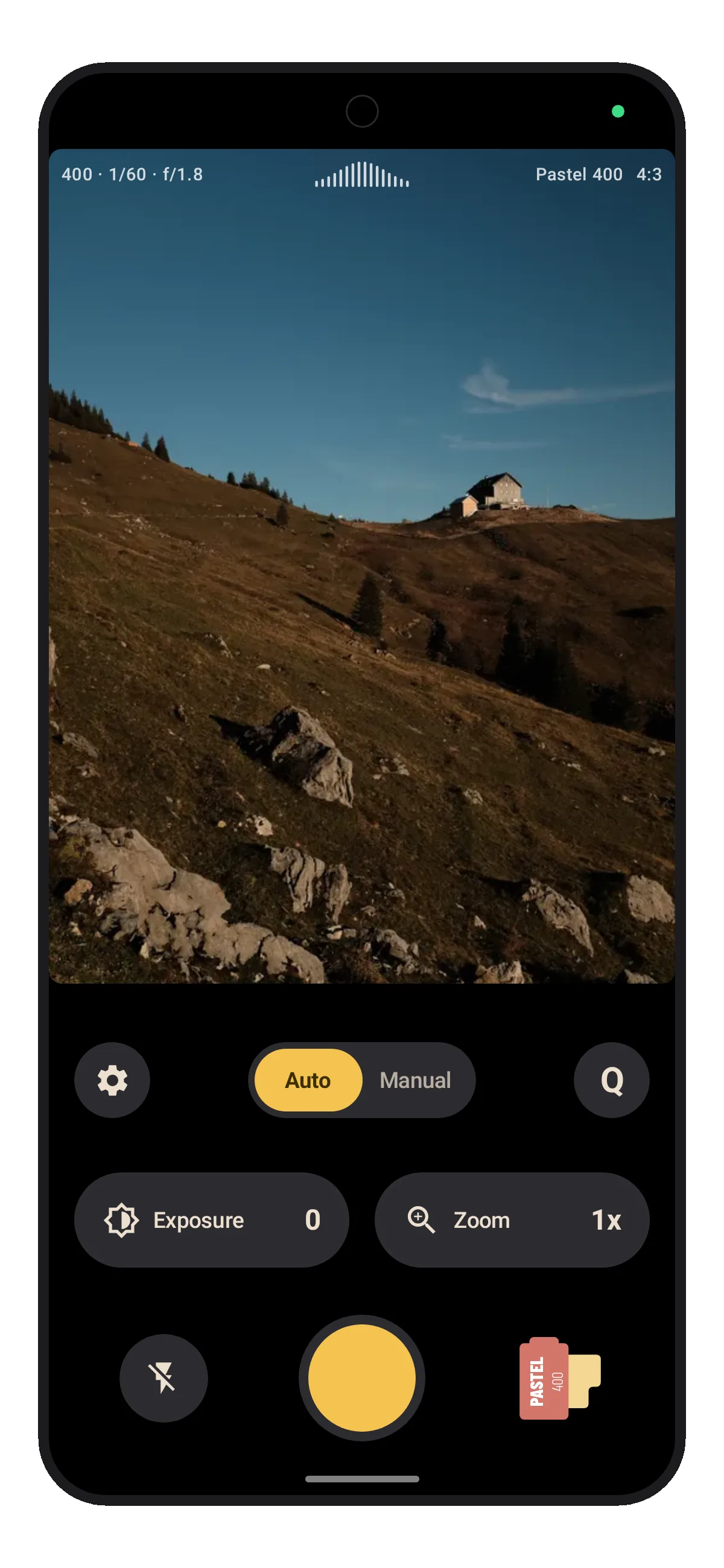
Pick a built-in look or make your own. The result is directly visible in the viewfinder.
Built-in film looks
 Black & White
 Sepia
Sepia Pastel 400
 Vivid 50
 Cine 800
- Vivid 100
 Faded Film
 Film Noir
- Golden Hour
 Arctic
- Steine
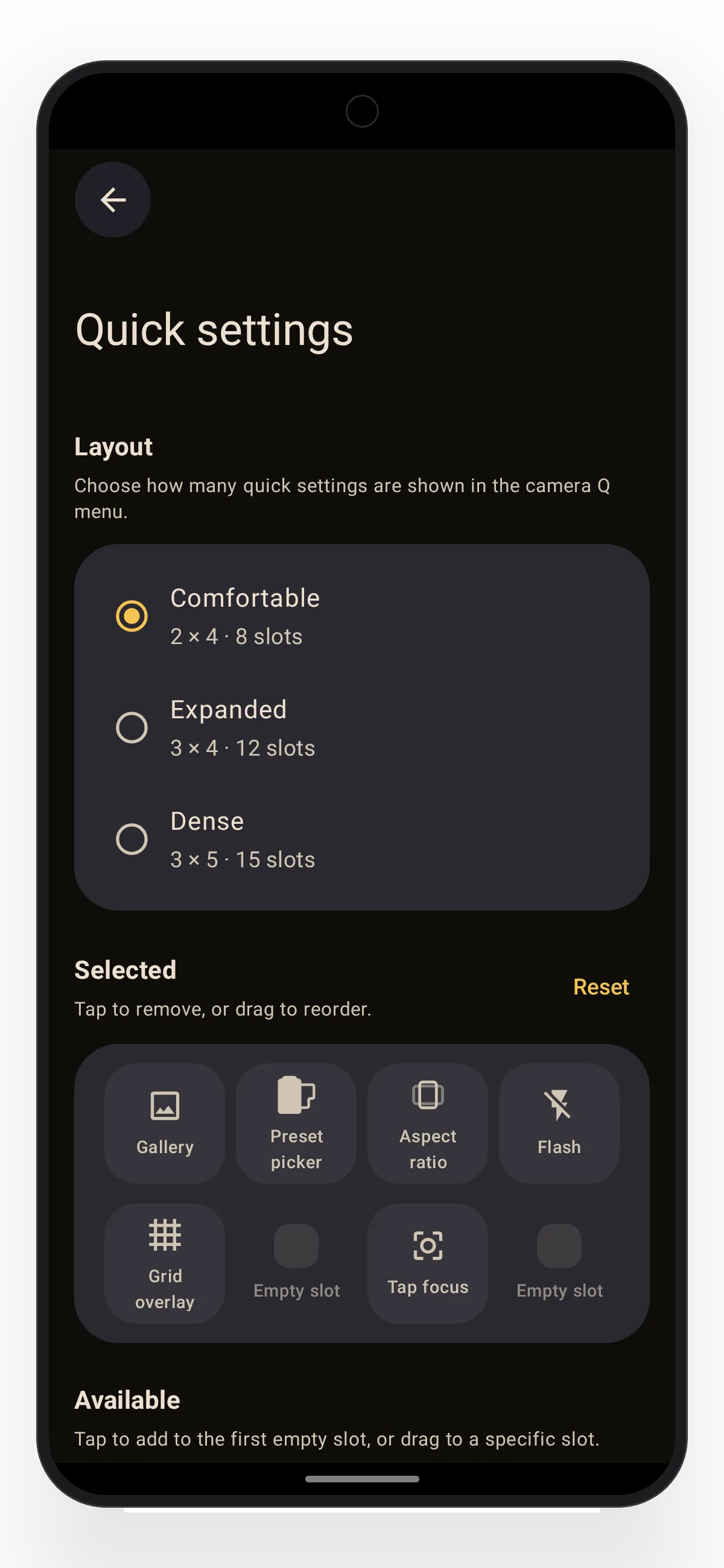
Quick settings
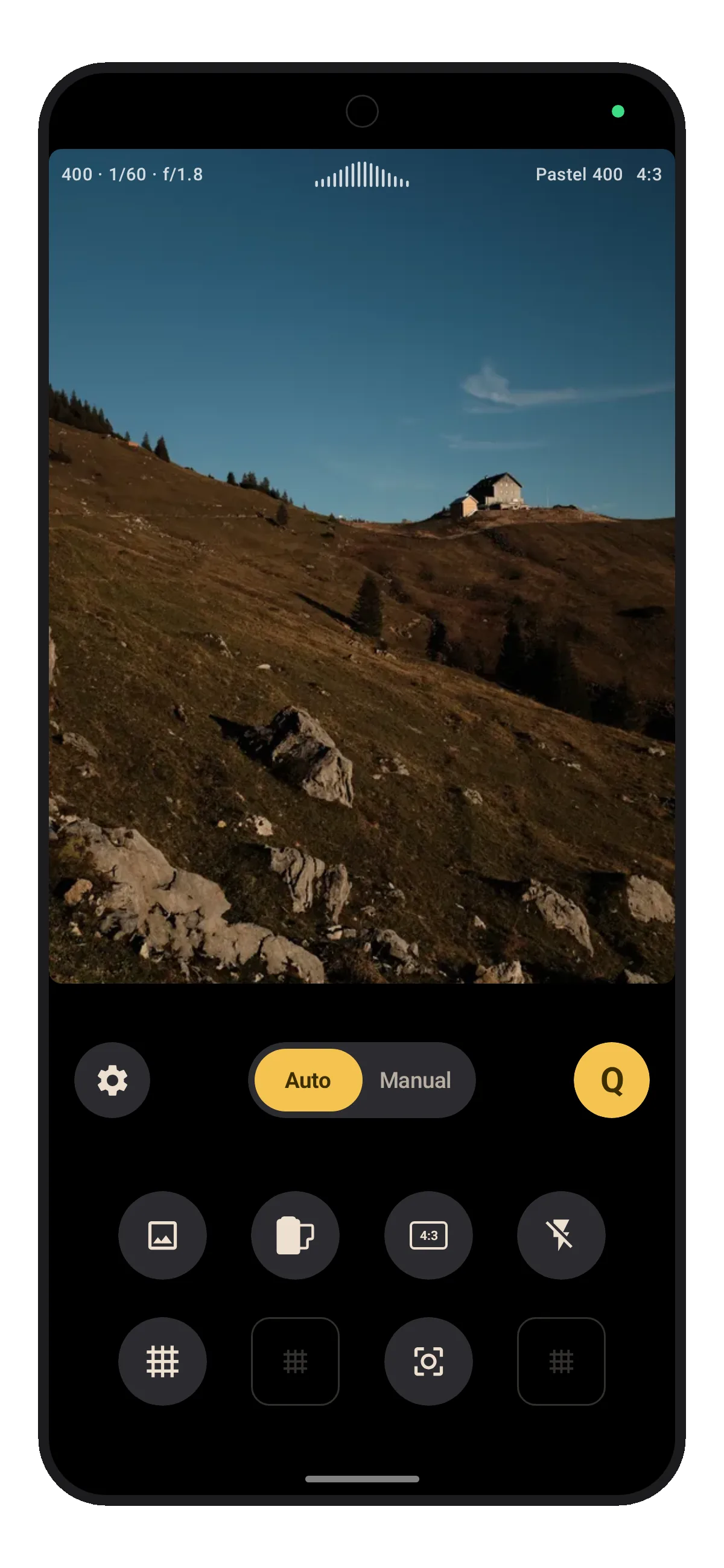
Keep the settings you reach for in the Q menu and choose your preferred layout for the menu.
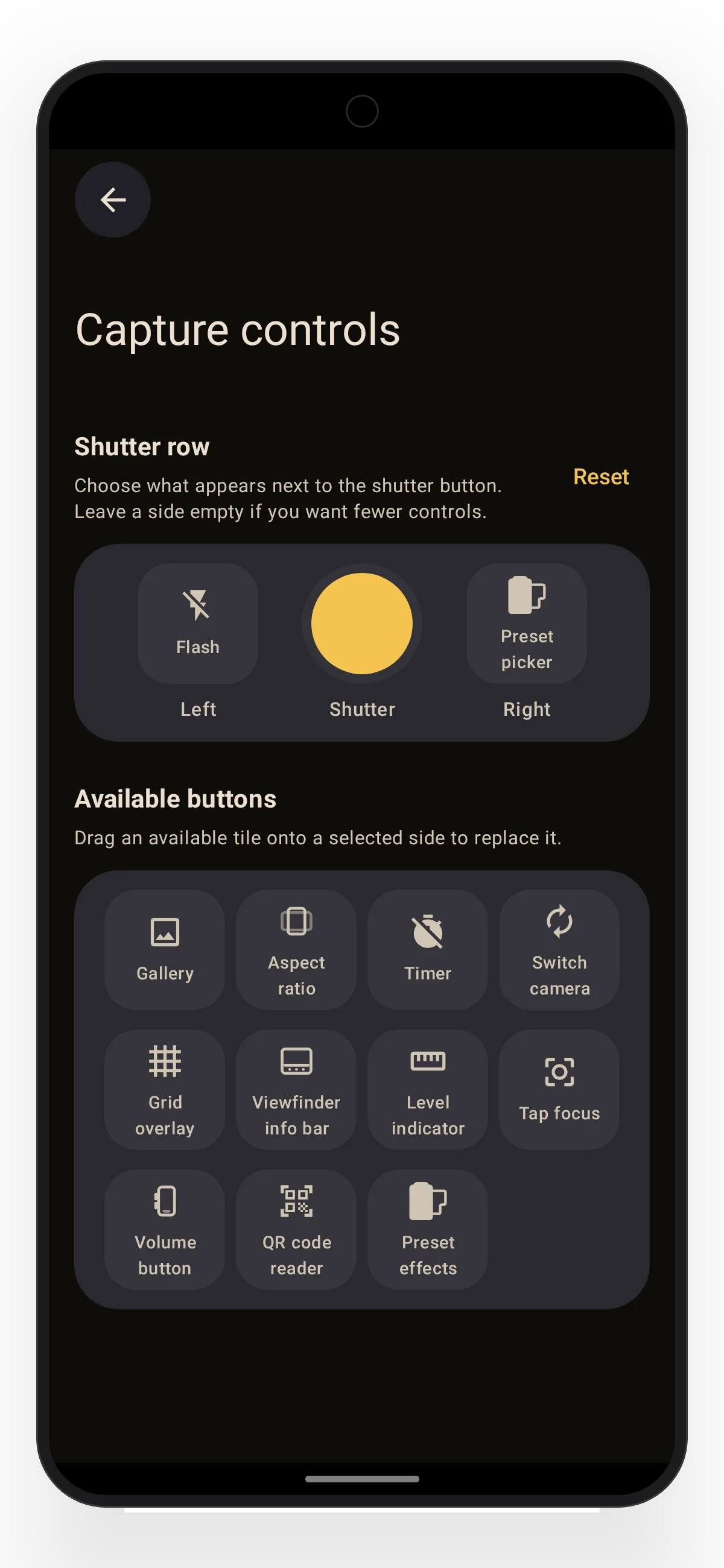
Adapt the shutter row
Put your most-used options beside the shutter and drag them into place.
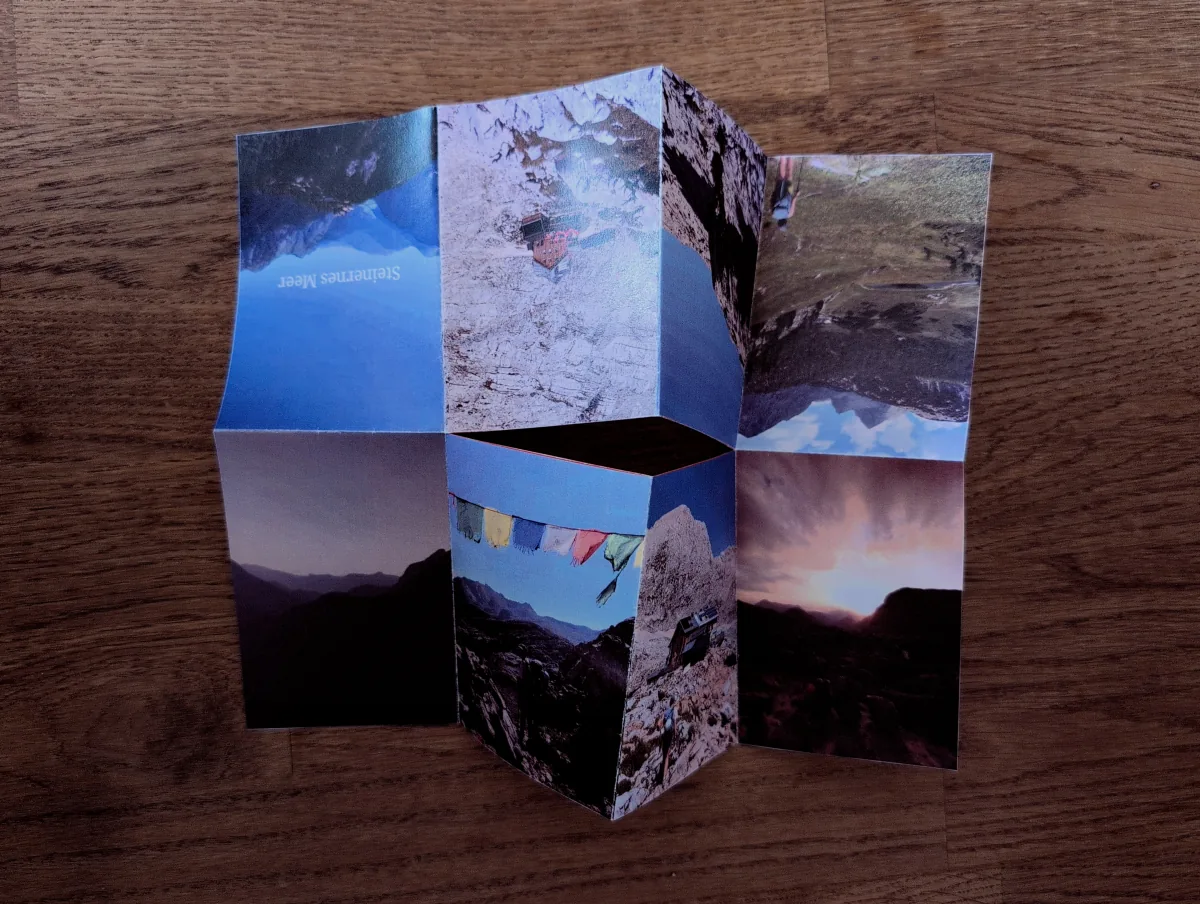
From camera roll to paper
Turn a trip into something you can hold.
Choose up to eight photos, arrange the pages, and Lvma turns them into a small booklet you can print, fold, and share.
See how zines work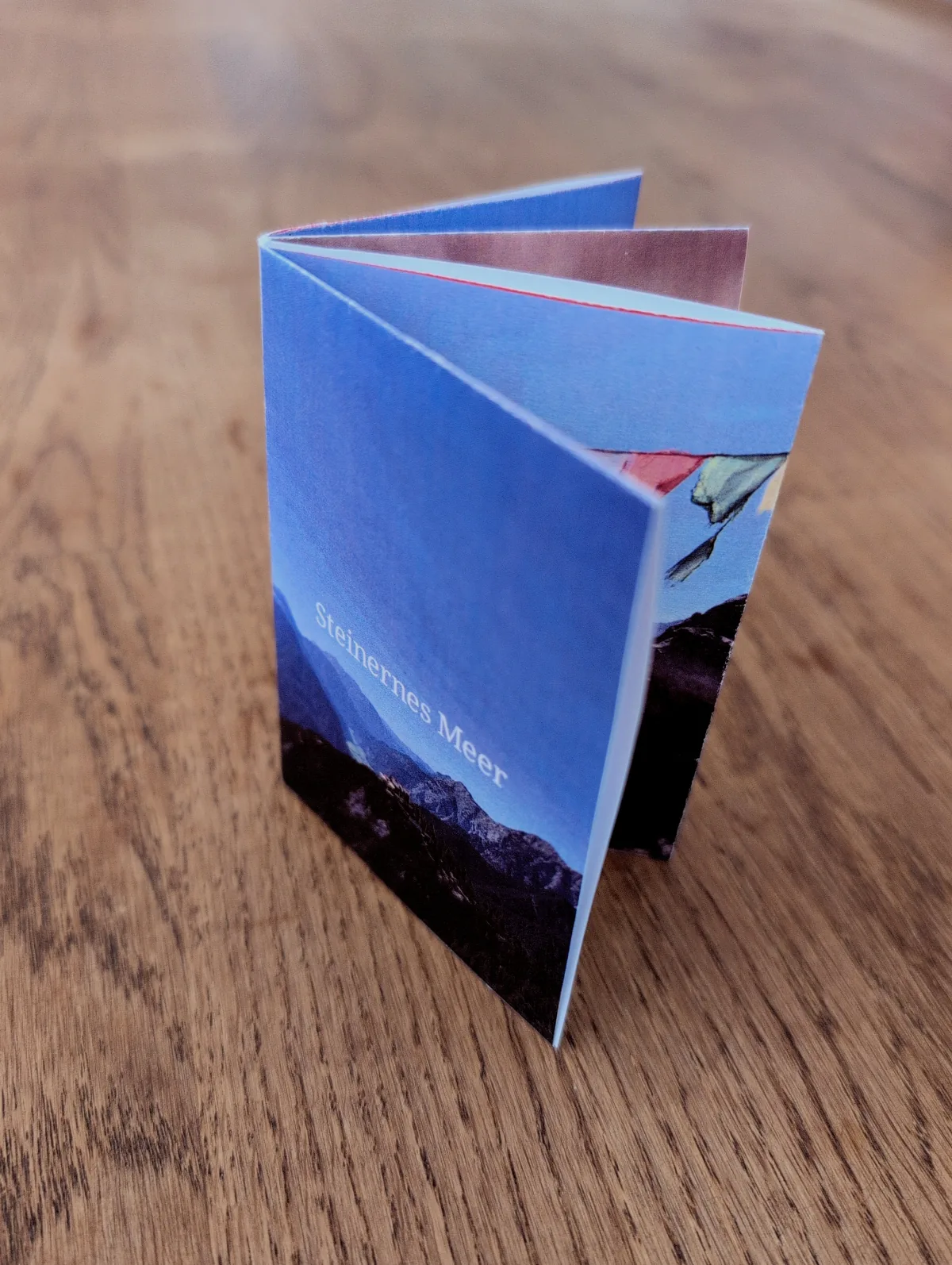
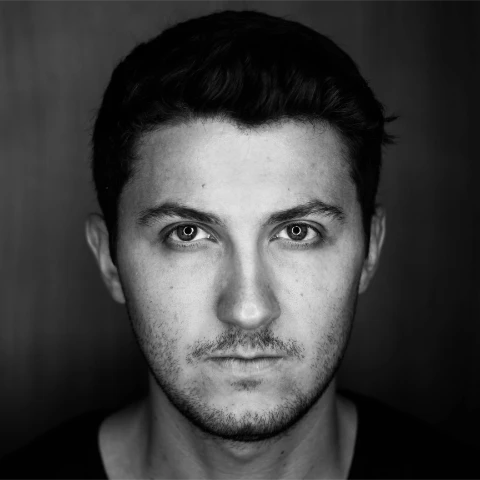
I’m Frank, an Android developer and hobby photographer from Munich. Lvma is the camera app I always wanted on my phone but that didn’t exist, so I built it from scratch. I use it myself every day and ask friends for honest feedback, then refine it with every iteration. With every shoot and every bit of feedback, Lvma becomes a better fit for everyday photography.
FAQ
Questions I actually get asked.
What does open beta mean?
That I’m still building it. Lvma works today and I shoot with it daily, but things are still moving. If you join the beta you get new camera ideas early — and your feedback lands directly with the person writing the code.
Is Lvma free?
Yes, and it stays free. This is a passion project, not a sales funnel. There is nothing to unlock and nothing to subscribe to.
Is Lvma Android only?
Yes. I build for Android and publish through Google Play. There are no iOS plans right now.
Which Android version do I need?
Android 11 or newer. Camera hardware varies a lot between devices, so some features can still behave differently on yours.
Do my photos leave my device?
No. Photos are processed and stored only on your phone. There is no Lvma server for photos — I couldn’t look at them even if I wanted to.
Does Lvma use analytics or tracking?
There are no ads. The app includes minimal analytics and crash reporting through Measure, an open-source library — and it is off by default. Nothing is collected unless you switch it on in the settings to help me find bugs.
Can I make my own film looks?
Yes. Take a built-in film look, tweak it until it feels like yours, and save it as a reusable look — the image already feels right before you press the shutter.
Does Lvma capture instantly?
On supported phones, Lvma uses the camera’s buffered capture path so the saved frame stays close to the moment you pressed the shutter. Flash and some manual controls may still require a fresh exposure.
Does Lvma shoot RAW?
Not yet. Lvma saves JPEG photos today; RAW/DNG capture is on my list.
Open beta
Take Lvma with you.
Lvma is free, has no ads, and diagnostics stay off unless you opt in. If you try the beta and something feels off — or something feels great — I’d genuinely like to hear about it: [email protected].

Reading this on a desktop? Scan to open Google Play on your phone.